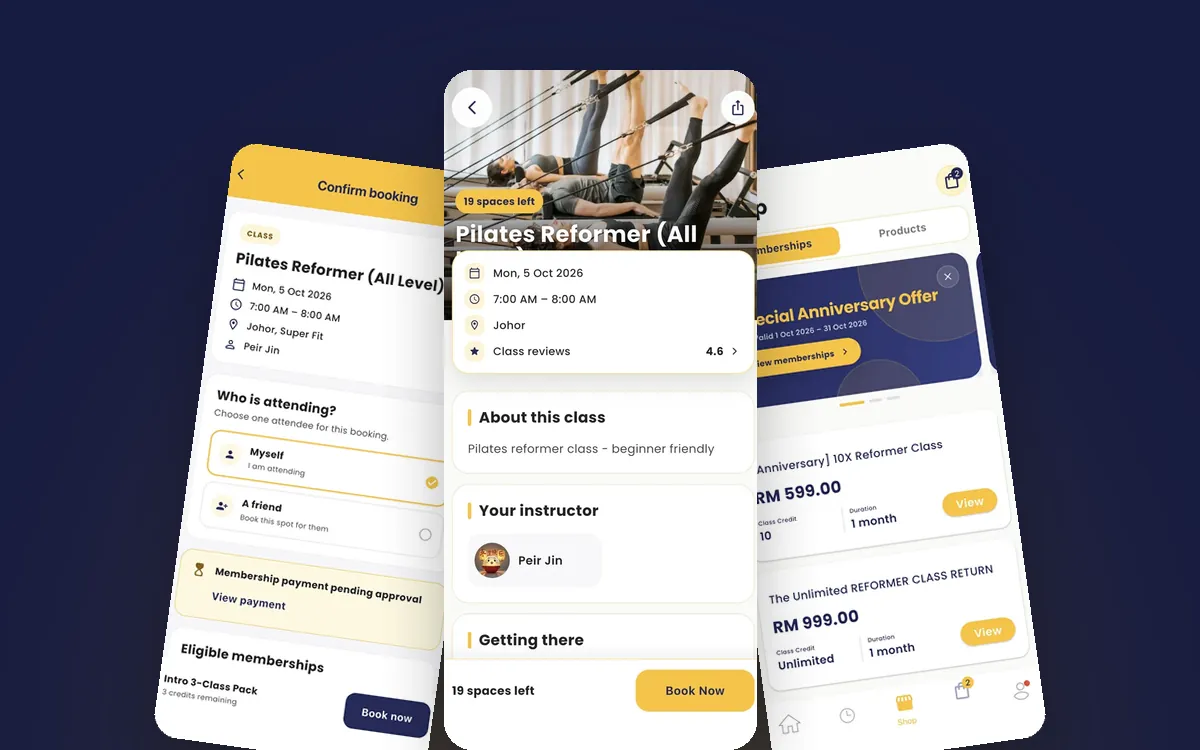


Manage class waitlists with a few clear rules: move the next person up automatically when a spot frees, stop auto-promoting at a cut-off (often 1 to 2 hours before class), cap the list at roughly one and a half to two times the spots that usually free up, and make sure anyone moved up inside your late-cancel window can still drop out without a penalty. Tell members the rules before they join the list.
A waitlist sounds simple: when a class is full, people queue for a spot. In practice, it raises questions every studio has to answer. Who gets the spot? Do they have to accept it? What if they are moved in at 6am for a 7am class and are still asleep? This guide covers the rules that keep a waitlist fair and your classes full.
What is a class waitlist and why does it matter?
A waitlist is a queue of members who want a spot in a full class. When someone cancels, the spot goes to the next person instead of sitting empty. For small classes, such as reformer Pilates or cycling, one empty spot is a large share of the class income. A well-run waitlist also tells you which classes need more capacity.
A badly run waitlist does the opposite. Members are moved in without knowing, do not show up, and get charged a no-show fee they think is unfair. The rules below prevent that.
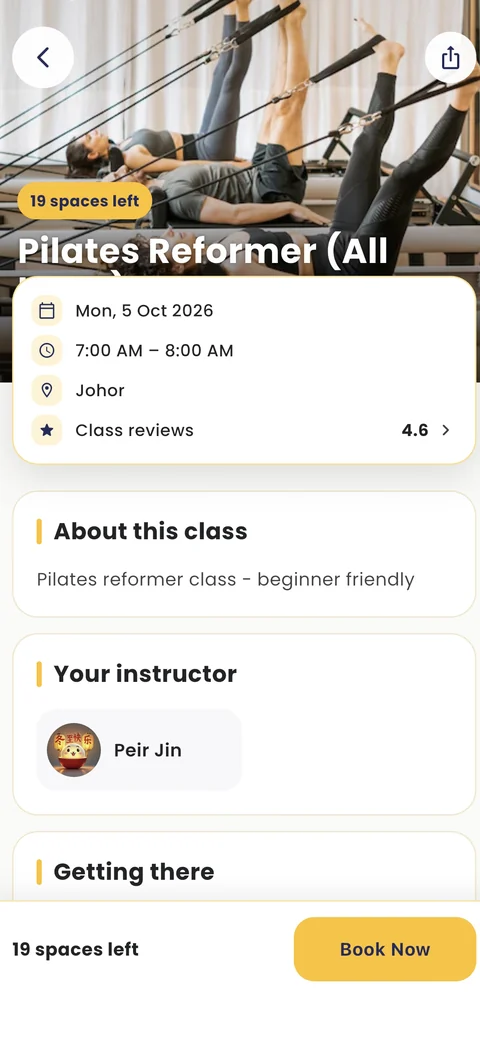
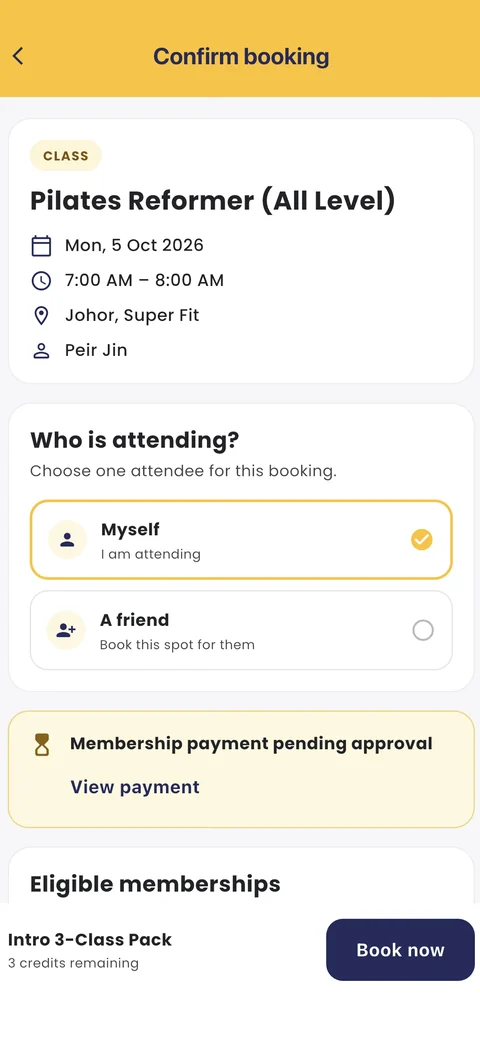
Should the waitlist auto-promote or offer the spot?
Auto-promote works best for most studios, as long as you set a cut-off. Here is how the three common methods compare:
| Auto-promote | Offer to the next person | Offer to everyone | |
|---|---|---|---|
| How it works | Next person is booked in automatically and told | Next person gets a time limit to accept, then it moves on | Everyone on the list is told; first to claim wins |
| Member effort | None | Must reply in time | Must be quick |
| Speed of filling the spot | Instant | Slower | Fast |
| Main risk | Member did not see the message and does not come | Spot stays empty while waiting for replies | Feels unfair to people high on the list |
| Best for | Most classes, up to the cut-off | Expensive or private sessions | The last hour or two before class |
A common mix is auto-promote until the cut-off, then an offer to everyone left on the list after that. Members who really want a last-minute spot can still grab it, and no one is booked in without knowing.
When should the waitlist stop moving people up?
Stop auto-promoting 1 to 2 hours before class for most group classes. Closer than that, a member may not see the message in time. For early-morning classes, consider stopping the night before, since nobody checks their phone at 5am to see if they got into a 6:30am class.
After the cut-off, the waitlist should either close or switch to "first to claim". Tell members which one you use in the booking screen, not just in your terms.
Private and duet sessions are different. A freed private slot is usually best offered to one person at a time with a short time limit to accept, such as 30 minutes, because the instructor may need to confirm and the member may need to rearrange their day. If nobody accepts, release the slot to open booking.
How do waitlists and late-cancel rules work together?
Your late-cancel window and your waitlist cut-off must fit together, or you will penalise people who did nothing wrong. Take an example studio with a 12-hour free cancellation window and a 2-hour waitlist cut-off. A member moved up 4 hours before class is already inside the late-cancel window. They did not choose to book late, so charging them for cancelling would feel unfair.
Two simple fixes:
- A grace period for promoted members: anyone moved up inside the late-cancel window can cancel free for a set time, such as 30 to 60 minutes, or until the cut-off.
- Line the windows up: stop auto-promoting at the same time the late-cancel window starts, then switch to "first to claim" so only people who actively accept are booked.
Whichever you pick, write it in one sentence on the booking screen: "If you are moved up from the waitlist within 12 hours of class, you can cancel free for 1 hour."
How many people should be on a waitlist?
Cap the list at about one and a half to two times the number of spots that usually free up for that class. A list that is too long gives members false hope. Most of them will never get in, and they may stop trying.
Work it out from your own data. As an example, if a 12-spot class has on average 2 cancellations after it fills, a waitlist cap of 3 or 4 gives most people on the list a real chance. If the waitlist is regularly full, that is a signal to add a class, not to make the list longer.
Also limit how many waitlists one member can join at the same time, and do not let them sit on waitlists for two overlapping classes. Otherwise one person can block spots across your timetable.
Should members pay to join a waitlist?
Members should not lose anything for joining a waitlist that does not work out. The usual approaches:
- Hold the credit: the pack credit is reserved when they join, and given back automatically if they do not get in.
- Charge on promotion: nothing is taken until they are moved into the class.
- Check before promoting: skip anyone whose pack has run out or whose membership has expired, and move to the next person.
How do you keep a waitlist fair?
- Go strictly in order of joining. Do not let the front desk move favourites to the top.
- If you give priority, such as members ahead of drop-ins, say so up front.
- Tell members their position on the list, so they can make other plans.
- Send a clear message when someone is moved up, with the class time and a cancel link.
- Apply the same rules to every instructor's class.
What can your waitlist data tell you?
Your waitlist is free market research. Each month, check:
- Which classes have a waitlist most weeks. These are candidates for a second slot or a bigger room.
- Waitlist conversion: the share of people on waitlists who got into the class. If it is low, the list is too long or the cut-off too early.
- No-shows by promoted members. If people moved up often do not come, your cut-off is too late or your messages are being missed.
Waitlists only work if cancelling is easy and members know the rules, so read this alongside our guide on how to reduce fitness class no-shows. Running a waitlist by hand on WhatsApp is possible for a few classes a week, but it means someone watching their phone all day. A class scheduling system such as Fitnow moves people up automatically, holds and returns credits, and sends the message for you.
Frequently asked questions
How does a class waitlist work?
When a class is full, members join a queue. When someone cancels, the next person is either booked in automatically or offered the spot, and is told straight away.
Should a waitlist automatically book members into class?
For most studios, yes, up to a cut-off of around 1 to 2 hours before class. After that, switch to offering the spot to everyone left on the list so nobody is booked in without knowing.
How long should a fitness class waitlist be?
About one and a half to two times the number of spots that usually free up for that class. Work it out from your own cancellation numbers, and add a class if the list is full most weeks.
Is it fair to charge a late-cancel fee to someone moved up from the waitlist?
Not if they were moved up inside your late-cancel window without choosing to. Give promoted members a short free-cancel grace period, or stop auto-promoting when the late-cancel window starts.
Do members lose a class credit if they stay on the waitlist?
They should not. Hold the credit while they wait and return it automatically if they do not get a spot, or only take it when they are moved into the class.
What you get with Fitnow
- Waitlists that move members up automatically
- Late-cancel and no-show rules that apply on their own
- Instant app, WhatsApp or email message when a spot opens
- Reports on class fill rates and attendance